 OakstoneAssist
Temporary-file cleanup
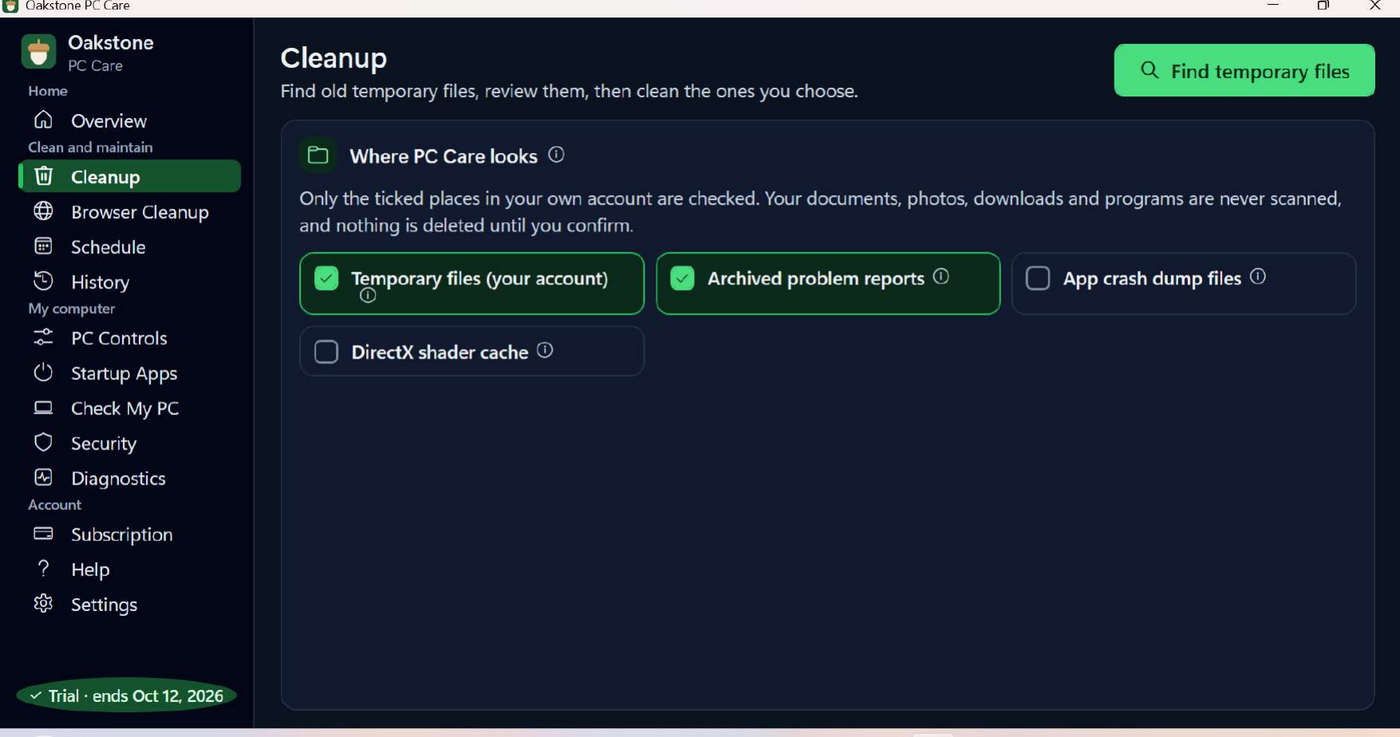
Finds old temporary files and archived problem reports in your own account, shows you what it found, and removes only the categories you tick. Documents, photos, downloads and programs are never scanned.
Clean approved temporary files, manage browser clutter, and schedule maintenance in one easy-to-use Windows application.
Free Download for WindowsIncludes a seven-day full-feature trial. No card required. Registration required. Subscription required after the trial. One account covers one registered PC.
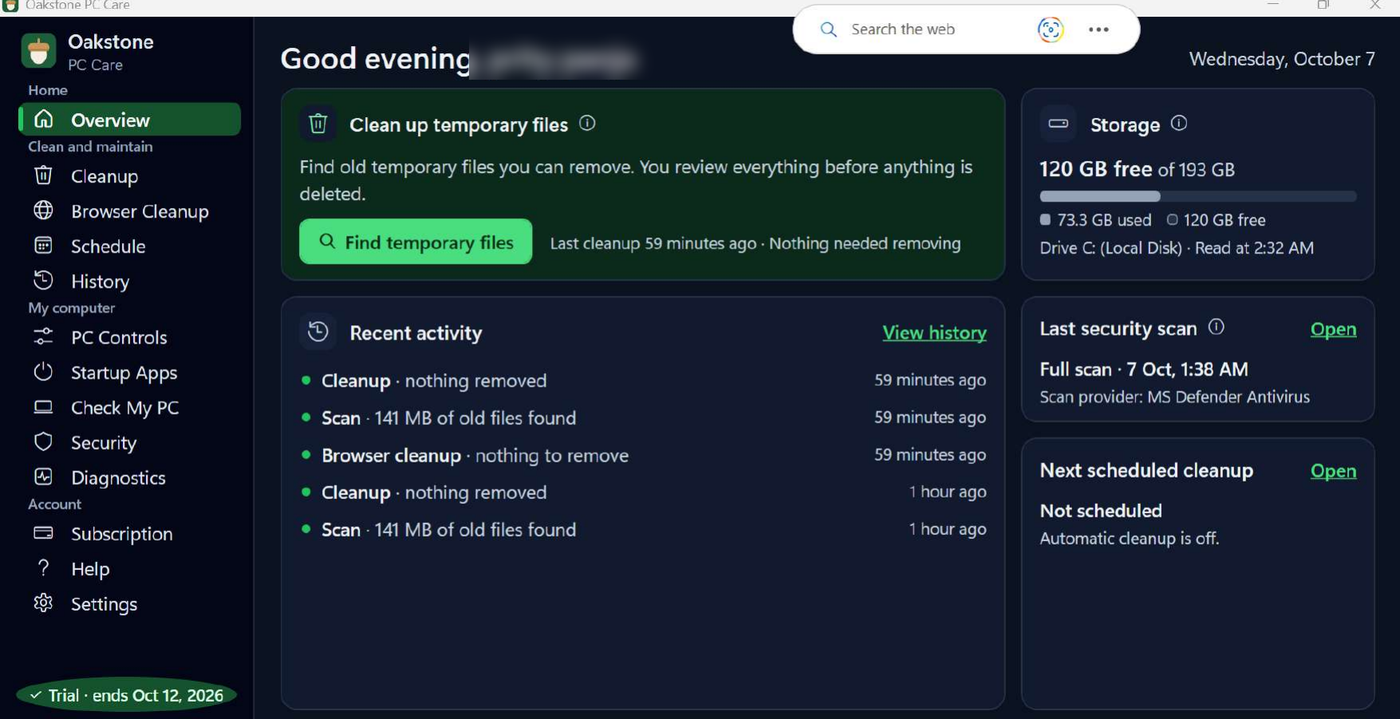
Every tool below is part of Oakstone PC Care 1.10.0. Nothing is deleted until you confirm it.
Finds old temporary files and archived problem reports in your own account, shows you what it found, and removes only the categories you tick. Documents, photos, downloads and programs are never scanned.
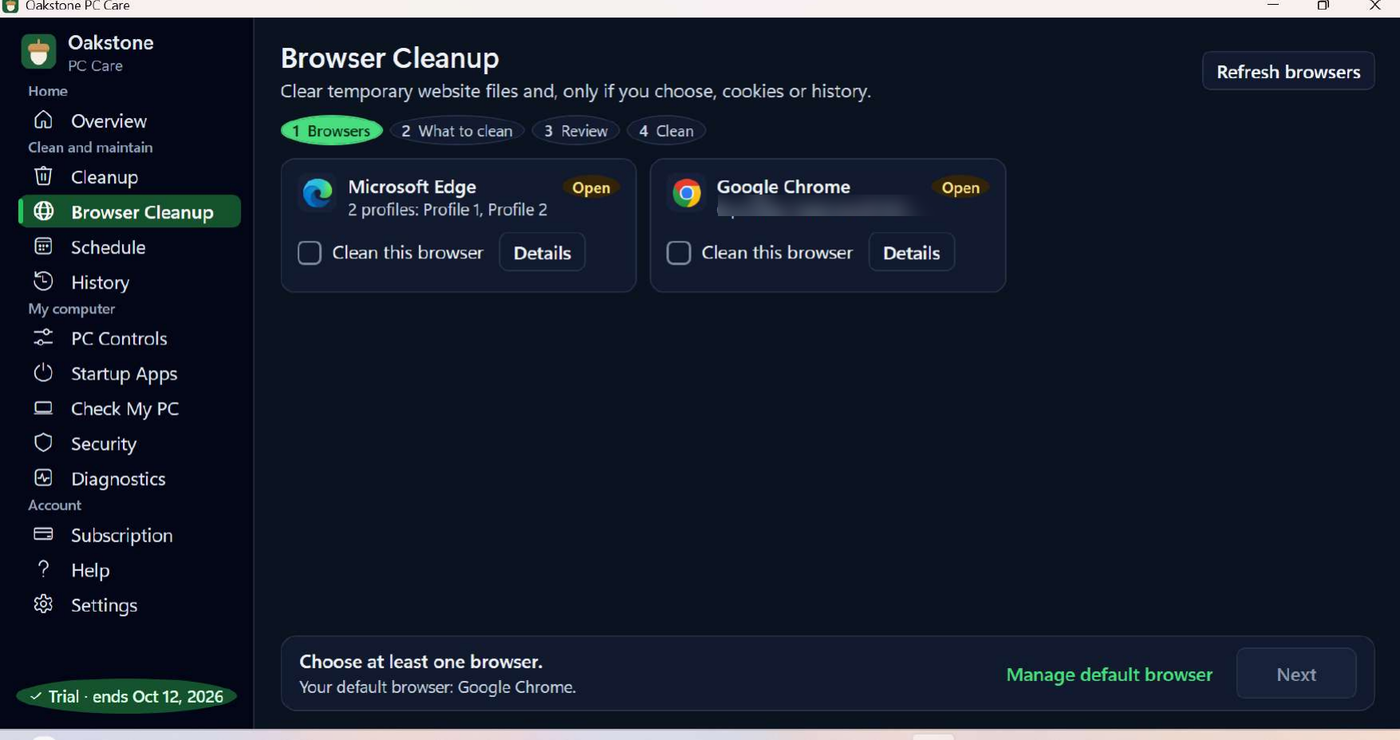
Clears temporary website files for the browsers you choose, and only if you select them, cookies or history. A browser profile name has been blurred in this screenshot.
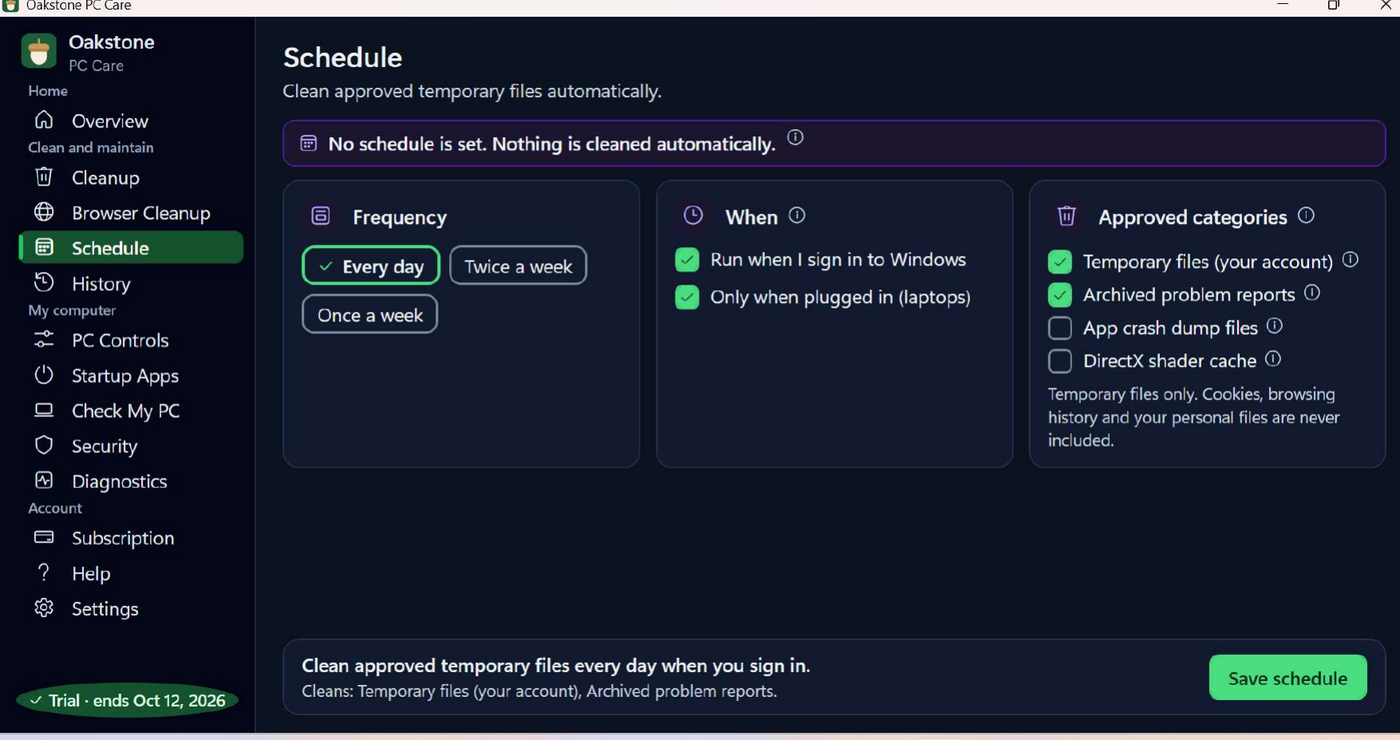
Optionally clean approved temporary files on a schedule — every day, twice a week or weekly — with the option to run only when a laptop is plugged in. Cookies, browsing history and personal files are never included.
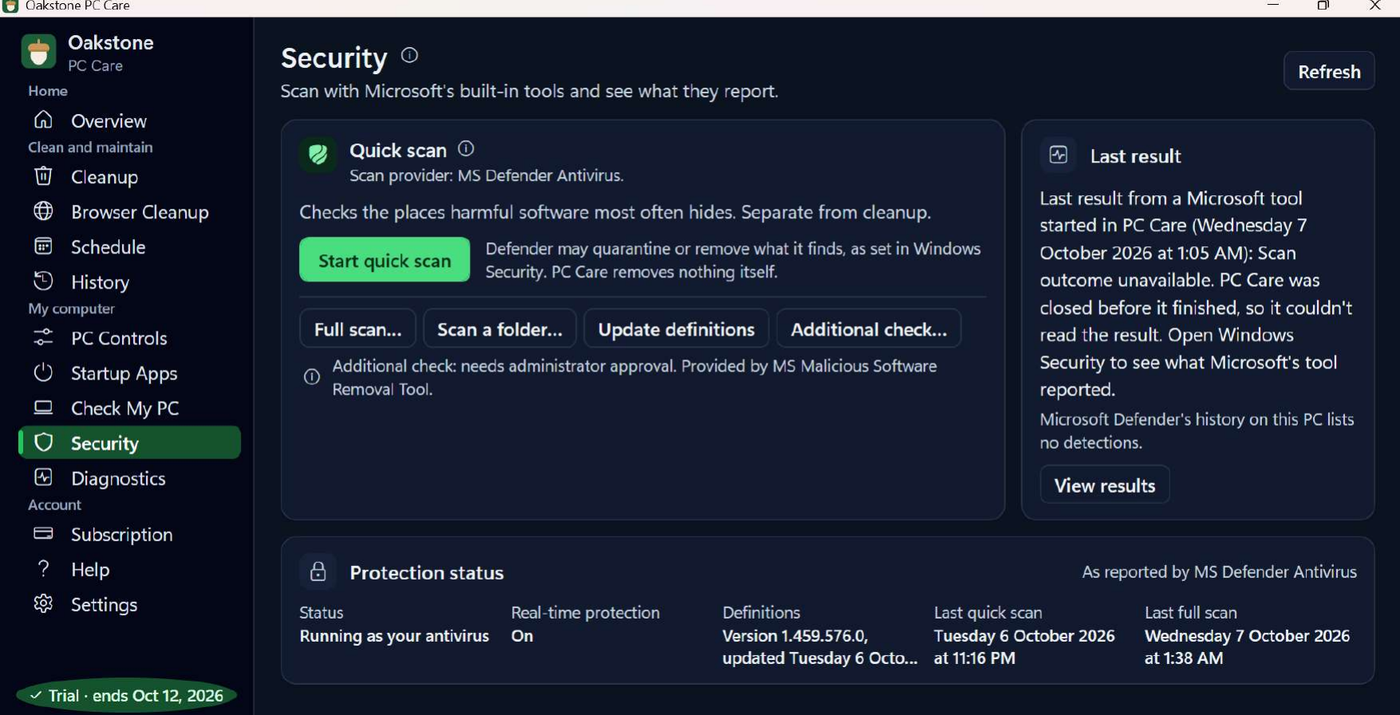
Starts quick, full or folder scans using Microsoft Defender Antivirus and shows what Microsoft reports. Oakstone PC Care removes nothing itself; Defender handles anything it finds, as configured in Windows Security.
Reports information about your computer in one place, alongside PC Controls for Wi-Fi, Bluetooth, sound, brightness and camera settings, Startup Apps for choosing what opens when you sign in, Diagnostics for recent Windows events, and History of every scan and cleanup with its actual result.
Press Free Download for Windows. Your browser saves OakstonePcCare-Setup.exe to its Downloads folder.
Open the file and follow the setup wizard. You can choose whether to create a desktop shortcut. If Windows asks for permission to continue, choose Yes.
Registration happens inside the application, not on this website. You will be asked for your full name, email address and phone number. Selecting an age group is optional. Your seven-day full-feature trial starts once you have registered.
Software subscription for the application. This is separate from our remote technical-support service pricing.
Billed every month. All tools, one registered PC.
Billed once a year. All tools, one registered PC.
Save $21.89 per year — approximately 30% compared with monthly billing. Twelve monthly payments total $71.88; the annual payment is $49.99.
Prices are in US dollars, plus any taxes shown at checkout. Payments are processed by Stripe. Paid subscriptions automatically renew at the interval shown until you cancel. Cancel online at any time in Manage subscription inside the application, or by email or telephone. The seven-day trial (168 hours) requires no card and does not automatically become a paid subscription.
Your first subscription purchase, monthly or yearly, can be refunded in full if you ask within 14 calendar days — no reason needed. Renewals do not carry that change-of-mind window, and we give at least 30 days’ notice before a price change affects your next renewal. Full details are in the documents below.
When the trial ends, the application’s tools lock until a subscription is started. The application stays installed and can be removed at any time from Add or Remove Programs in Windows.
Support with installing, signing in, your subscription and using the tools is free for Oakstone PC Care customers. It is separate from our paid remote technical-support services.
Oakstone PC Care support hours: Monday to Friday, 9:00 AM to 5:00 PM Eastern Time.